How to Auto-Call Facebook Lead Ads Leads in Seconds
Short answer: to auto-call Facebook Lead Ads leads, connect your lead form to a calling tool with Zapier or Make. Use the trigger "Facebook Lead Ads → New Lead", then send the lead to CallBooker's Lead API. An AI agent calls them within seconds, answers their questions and books the meeting on your calendar. Setup takes about 15 minutes, and you'll need consent wording on the form.
Why Facebook leads need a call in seconds
Lead Ads are easy to submit: the form is pre-filled, two taps and done. That's great for volume, but it also means people forget they submitted at all. By the time someone calls the next day, "I don't remember filling anything out" is a common answer. Calling while they're still on their phone, seconds after submitting, is when they're most likely to pick up and remember you.
The research agrees: in the Harvard Business Review study of online leads, companies that responded within an hour were about seven times more likely to qualify the lead than those that waited longer.
Step 1: set up the lead form for calling
- Ask for the phone number (Facebook pre-fills it from the profile).
- Add a consent statement or checkbox: for example, "I agree that [Company] can call me about my request, including with an AI assistant." AI voices count as artificial voices under US law, so consent matters.
- Add one or two qualifying questions (budget, timeline, what they need). The agent will use the answers in the call.
Step 2: prepare CallBooker
- Create your AI agent and describe your offer and the meeting to book.
- Connect Google Calendar or Calendly, and your Twilio number.
- Go to Lead API and create an API key, choosing the agent that will call these leads.
Step 3: connect them with Zapier
- Trigger: Facebook Lead Ads → New Lead. Pick your page and form.
- Action: Webhooks by Zapier → POST to
https://callbooker.com/api/v1/leads, payload type JSON. - Header:
Authorization=Bearer cb_live_YOUR_KEY. - Data: map
name,phone,email, and put the form answers innotes. - Test by submitting your own form with your own number. Your phone should ring within seconds.
Using Make instead? Use the Facebook Lead Ads "Watch Leads" trigger and an HTTP "Make a request" module with the same URL, header and fields. See the Facebook Lead Ads integration guide.
Step 4: what happens on the call
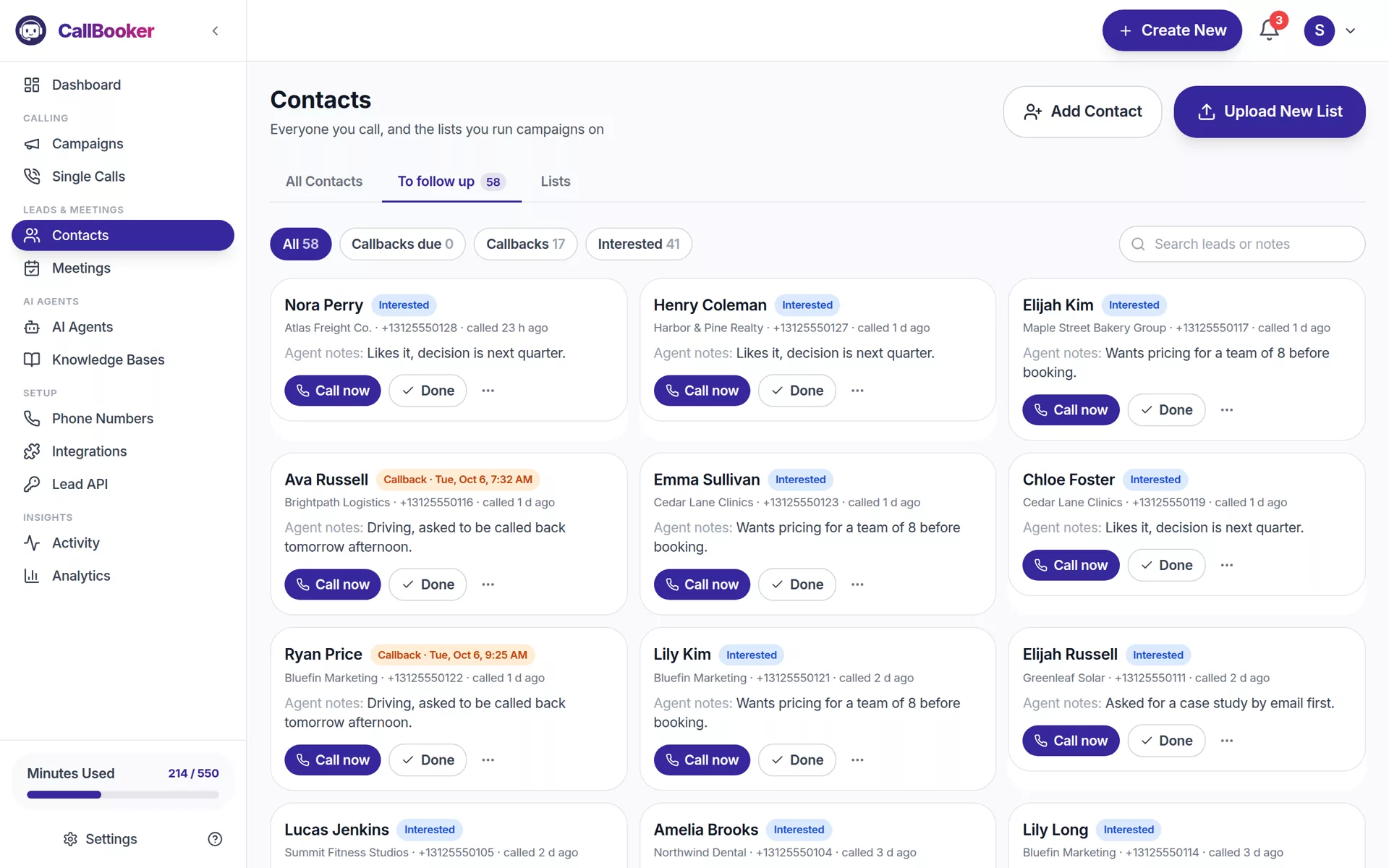
The agent introduces itself and your business, mentions what they asked about, answers questions from your knowledge base, handles the usual "I'm busy" or "send me an email", and offers two times from your real availability. If they agree, the meeting is booked on your calendar with an invite to their email. If they're interested but not ready, they land in your follow-up list with the agent's notes.
Step 5: send results back to your CRM
Add a webhook in CallBooker (Settings → API & webhooks) pointing to a "Catch Hook" Zap. You'll receive call.completed, lead.status_changed and meeting.booked events, and can update your CRM, notify Slack or build audiences from the results.
Tips that raise the booking rate
- Mention the ad: put the offer from the ad in the agent's brief so the call matches what they clicked.
- Keep the meeting short: "a 15-minute call" books more easily than "a consultation".
- Mind the hour: leads that come in late at night are called right away. Make sure that's welcome and allowed where your leads are (in the US, telemarketing calls are limited to 8 a.m.–9 p.m. local time).
- Review transcripts weekly and add answers for the objections you hear most.
Want to feel it from the lead's side? Enter your number and our AI calls you in seconds.